
I. Introduction: The Foundation for Product-Led Growth
The success of any product-led company hinges on one thing: a deep, actionable understanding of its users. But how do you bridge the gap between having raw user activity data and generating the insights that actually drive growth? Simply collecting data isn’t enough; you need a platform designed to illuminate user behavior, reveal friction points, and uncover opportunities for engagement and retention.
This is precisely where a product intelligence platform becomes essential for any modern digital business.
Enter Amplitude. It’s not just another analytics tool; it’s a platform architected from the ground up to provide the granular user behavior insights needed to build better products. It helps you answer the critical questions: Which features are driving retention? Where are users dropping off in the onboarding funnel? What actions correlate with long-term customer value?
This article is the first in our “Getting Started” series. We will cover the crucial first step: correctly setting up your Amplitude organization and first project. While it may seem basic, this foundational setup is key to ensuring data quality, governance, and analytical success down the line.
In subsequent parts, we’ll dive into instrumentation and building your first analyses. But for now, let’s establish a solid foundation for your product analytics journey.
II. Before You Sign Up: The Most Critical Prerequisite
Before you navigate to the Amplitude website and create an account, there’s a vital strategic step that will pay dividends for the entire lifecycle of your analytics practice: creating a basic tracking plan.
Why This Matters More Than Anything Else
The single biggest mistake organizations make when adopting a new analytics platform is immediately instrumenting their product to “track everything” without a clear strategy. This approach inevitably leads to inconsistent, overwhelming, and often untrustworthy data—the classic “garbage in, garbage out” problem. Without a plan, you’ll collect data that doesn’t answer your most important business questions, making it difficult to generate meaningful insights.
A simple, initial tracking plan ensures that the data you collect from day one is clean, consistent, and directly tied to your core business objectives.
Your Actionable First Step: Identify Your Core Events
Don’t let the idea of a “tracking plan” intimidate you. To start, you don’t need a comprehensive data taxonomy with hundreds of events. Instead, begin by identifying just 3-5 key user actions (known as “events” in Amplitude) that are absolutely critical to your product’s core value proposition.
Think about the primary journey a successful user takes. This might include events like:
- Signed Up: The user creates an account.
- Created Project: The user performs a key activation task.
- Invited Teammate: The user engages with a core collaborative feature.
- Completed Purchase / Upgraded Plan: The user converts to a paying customer.
- Shared Item: The user engages with a key growth or sharing feature.
Simply listing these few critical events on a document before you even create your Amplitude account will provide immense clarity. This initial plan will serve as your blueprint for instrumentation, ensuring your development team knows exactly what actions to track first, saving time and preventing costly data cleanup later. This strategic pause is the most important part of the entire setup process.
III. Step-by-Step Guide: Creating Your Amplitude Organization & First Project
With your initial list of 3-5 core events in hand, you’re now ready to set up your Amplitude environment. This process is straightforward, but understanding the structure from the outset is key for long-term organization and scalability.
Step 1: Creating Your Account
This is the simplest step. Navigate to Amplitude’s website and sign up for an account. The free plan is robust and more than sufficient for getting started, allowing you to explore the platform’s core capabilities without an initial financial commitment.
Step 2: Understanding the Hierarchy – Organizations vs. Projects
Once you’re in, it’s crucial to understand Amplitude’s structural hierarchy. This distinction is vital for maintaining data clarity as your company and product offerings grow.
- Organization: Think of your Organization as the top-level container for your entire company. It houses all your projects, users, and billing information. You will typically have only one Organization.
- Project: A Project is a distinct workspace designed to hold the data for a single, specific product or platform. For example, you might create separate projects for your “iOS App,” your “Android App,” and your “Web Platform.”
A critical best practice is to avoid mixing data from different products into a single project. Separating them ensures that the analysis for your web app isn’t cluttered with data from your mobile app, making insights cleaner and more accurate.
Step 3: Setting Up Your First Project
When you first log in, you will likely be prompted to create your first project. Give it a clear, descriptive name based on the product you’ll be tracking (e.g., “WebApp – Production”). You’ll be presented with various options for data ingestion and instrumentation methods. For now, you can simply create the project; we will address instrumentation in the next part of this series.
Step 4: Locating Your API Keys
After creating your project, you need to locate its unique identifiers. Navigate to the project settings area (often found by clicking on “Settings” or your project name). Here you will find your Project API Key and Secret Key.
These keys are the essential credentials that connect your product to this specific Amplitude project. Your development team will need these keys to configure the Amplitude SDK (Software Development Kit) in your application’s code. Treat them securely, as they authorize data to be sent to your project. With these keys, you have everything you need on the Amplitude side to begin the technical instrumentation process.
IV. Building Your Team: Inviting & Managing Users
Product analytics is a team sport. The true value of a platform like Amplitude is realized when product managers, marketers, designers, and analysts can all access and collaborate around a shared understanding of user behavior. Inviting your team is a key step, but doing so with a clear eye on governance is equally important.
How to Invite Team Members
Inviting colleagues to your Amplitude Organization is a straightforward process, typically found within the settings or administrative section. You can usually add team members by entering their email addresses. This grants them access to the projects within your Organization, subject to the permissions you assign.
A Critical Strategic Consideration: Roles & Permissions
Before sending out a wave of invites, take a moment to understand Amplitude’s user roles. While the specifics can vary slightly between plans, the roles generally fall into these categories:
- Admin: Has full administrative control over the Organization, including billing, user management, and project settings. This role should be reserved for a very limited number of individuals.
- Member: Can create and edit reports, dashboards, and cohorts. This is the most common role for team members who need to actively conduct analysis, such as product managers and analysts.
- Viewer: Can view existing reports and dashboards but cannot create or edit them. This role is ideal for stakeholders or leadership who need to stay informed but won’t be conducting their own deep-dive analyses.
Our recommendation is to follow the principle of least privilege. Start by granting team members the most restrictive role they need to perform their job effectively. A stakeholder who only needs to see a weekly dashboard should be a Viewer, not a Member. This approach is a fundamental best practice for data governance. It prevents accidental changes to important reports or project settings and ensures that your analytics environment remains clean and organized as your team grows.
Even with a small team, establishing these good governance habits from day one will create a more scalable and reliable analytics practice in the long run.
V. First Look: A Quick Tour of the Amplitude Interface
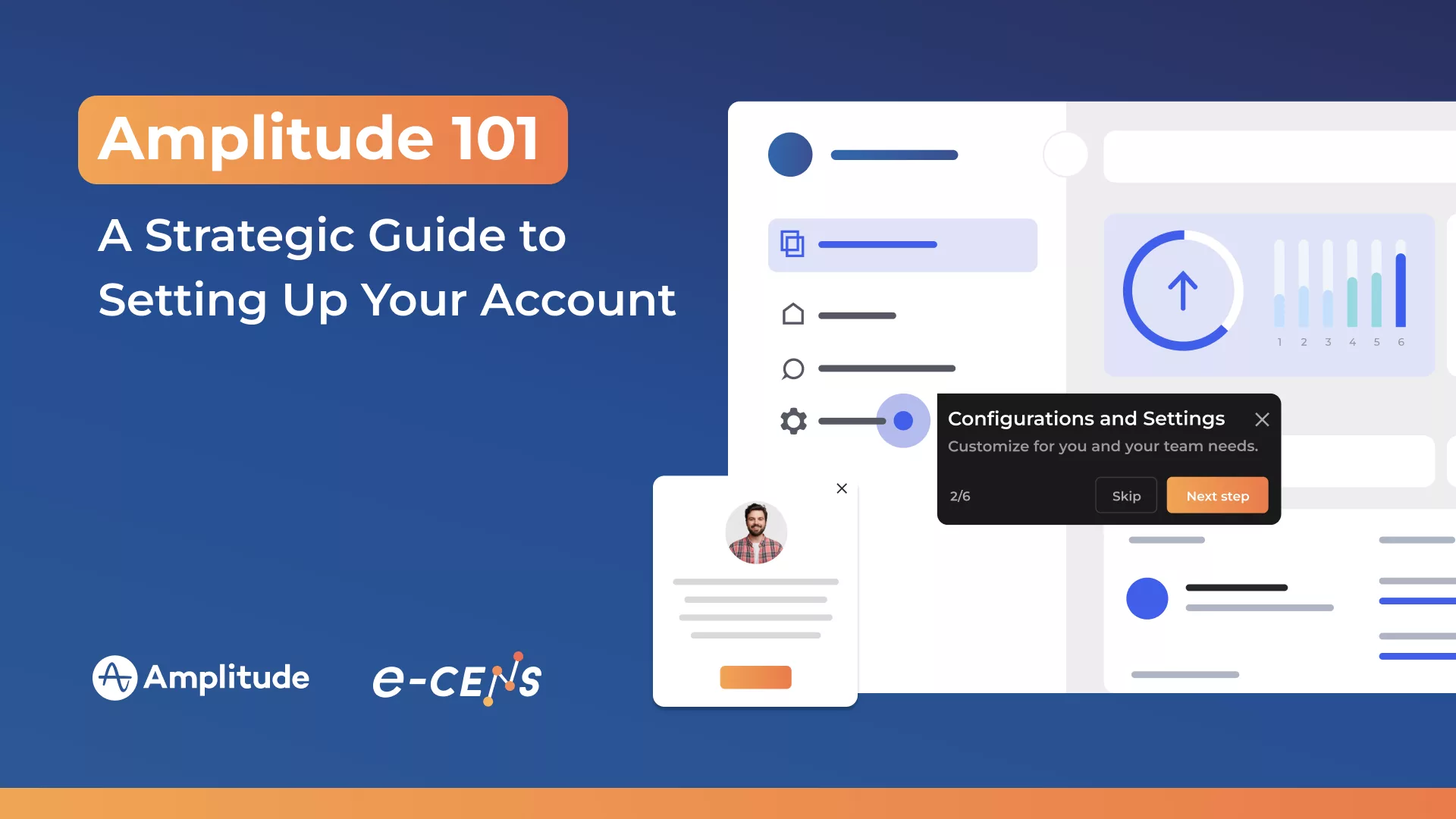
When you first log into a powerful analytics platform like Amplitude, the array of charts, settings, and options can feel overwhelming. The purpose of this quick tour is not to teach you deep analysis (that comes later in this series), but to orient you to the main areas of the interface so you know where to find key functionalities and can begin exploring with confidence.
The Left Navigation Bar: Your Control Center
The primary navigation bar on the left side of your screen is your control center. This is where you will access all of Amplitude’s core features. You’ll typically find sections for creating new analyses (“Charts”), organizing them into “Dashboards,” defining user groups in “Cohorts,” and managing your data under a “Data” or “Taxonomy” section. Familiarize yourself with these main categories.
Charts & Dashboards: Where Insights Come to Life
This is where you will spend most of your time conducting analysis. The “Charts” area is where you’ll build your analyses—from funnel and retention charts to user segmentation and pathing reports. “Dashboards” allow you to save and organize these charts into shareable views to monitor key performance indicators (KPIs).
The “Data” or “Taxonomy” Section: Your Data’s Home Base
Remember the basic tracking plan you created in Section II? Once your developers start sending data, this is where you will see and manage those incoming events and their properties. The “Data” or “Taxonomy” section is crucial for data governance, allowing you to verify, organize, and even add descriptions to your events to ensure everyone on your team understands what is being tracked.
The Most Important Tip for New Users: Explore the Demo Environment
Before your own data starts flowing, Amplitude provides an invaluable resource: a fully functional demo project, pre-populated with rich sample data. We cannot stress this enough: exploring the demo environment is the single best way to learn the platform.
By using the demo project, you can:
- See what a well-instrumented dataset looks like.
- Learn how to build different types of charts and reports without fear of “breaking” anything.
- Understand how to answer common product questions using real (sample) data.
- Discover advanced features and capabilities you might not have known existed.
Spend time in the demo environment. Recreate reports, click through different analyses, and get comfortable with the interface. This will dramatically accelerate your learning curve and enable you to extract value from your own data much faster once it arrives.
VI. Conclusion: Your Foundation is Set – What’s Next?
By following the steps outlined in this guide, you have successfully accomplished more than just creating an account. You have established a strong, strategic foundation for your product analytics practice. You’ve thought critically about what to track by creating a basic tracking plan, you understand the organizational structure of projects within Amplitude, and you know how to navigate the interface and leverage the demo environment to accelerate your learning.
This foundational work is crucial, but an Amplitude account is only useful once it begins receiving data. The platform is ready; the next phase is connecting it to your product.
The critical next step is instrumentation. This is the technical process of using Amplitude’s Software Development Kits (SDKs) or APIs to send event data from your website or application into the project you just created. This is where your initial tracking plan becomes your development team’s blueprint.
In Part 2 of our Getting Started series, we will demystify the fundamentals of instrumentation. We’ll explain how events are tracked in code, discuss best practices for sending clean data, and show you how to see your first events appear in the Amplitude platform.
While this initial setup is designed to be straightforward, developing a robust, scalable tracking plan and implementing a comprehensive data strategy can become complex as your product evolves. If you need expert guidance to ensure your Amplitude implementation is built for long-term success and aligned with your business goals, our team at e-CENS is here to help.