
I. Introduction: From Raw Data to Your First Business Answers
In Part 1 of this series, you established your foundational Amplitude account and first project. In Part 2, you successfully navigated the crucial process of instrumentation, connecting your product to Amplitude so it could begin receiving a live stream of user actions. Right now, that data is flowing. But how do you transform this stream of raw data into your first real business answers?
This is the moment where all the setup work pays off. The goal of this guide is to move you from simply collecting data to actively using it. We will focus on creating the three most essential analyses that every product team needs to understand the health and performance of their product:
- Who your active users are and what they are doing (Segmentation).
- If they are successfully completing key processes (Funnels).
- Whether they are coming back and staying engaged over time (Retention).
These three analyses form the bedrock of a healthy product analytics practice. They provide a vital, at-a-glance view of your product’s core performance and user behavior, moving you beyond guesswork and into the realm of data-informed decision-making.
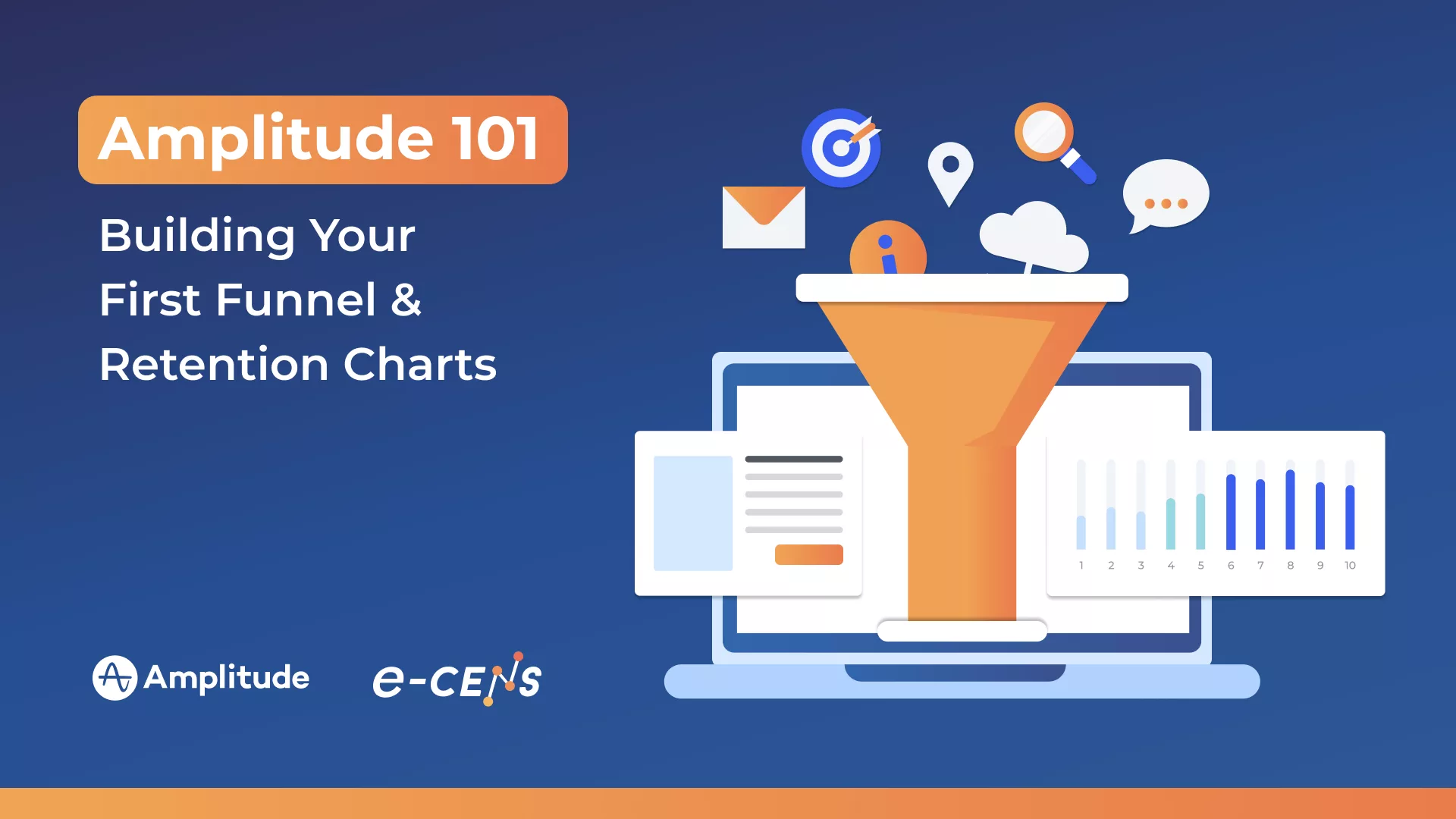
This post will provide a step-by-step guide to building your first Event Segmentation, Funnel Analysis, and Retention Analysis charts in Amplitude. We’ll focus on answering fundamental business questions and creating a foundational dashboard you can use daily to monitor the pulse of your product.
II. Your First and Most Important Chart: The Event Segmentation Chart
Let’s start by answering the most fundamental question for any digital product: “Who are my active users and what are they doing?”
To answer this, we’ll use Amplitude’s workhorse analysis tool: the Event Segmentation chart. While its name suggests it’s only for creating user segments, its primary function is much broader. It is the go-to chart for visualizing the frequency of any event, understanding user activity trends over time, and breaking down those trends by user or event properties. Think of it as your primary tool for answering most “how many” and “who” questions.
A Simple Walkthrough to Get Your First Insight
Follow these steps to build your first meaningful analysis. For this example, we’ll assume you’ve instrumented a Song Played event, as discussed in our previous post.
- Select Your Key Event: In the Amplitude interface, navigate to the “Chart” creation area and select “Event Segmentation.” In the events module, select the event you want to analyze—in this case, Song Played. Instantly, you’ll see a chart showing the total number of times this event has occurred over a specific time period.
- Understand “Uniques” vs. “Totals” (A CRITICAL CONCEPT): This is one of the most important distinctions in product analytics. At the top of the chart, you’ll see options to measure the event by “Totals” or “Uniques.”
- Totals (or “Event Totals”) counts every single time the Song Played event happened.
- Uniques counts the number of distinct users who performed the Song Played event at least once.
For understanding user adoption and engagement, “Uniques” is almost always the more strategic metric. Knowing that 1,000 songs were played is interesting; knowing that this was done by only 10 highly active users versus 500 different users tells a much more important story about the breadth of your user engagement. For now, select Uniques.- Adjust the Date Range: Use the date selector, typically at the top of the page, to adjust your time window. Change it to view data from the “Last 7 days” or “Last 30 days” to see recent activity.
- Add Your First “Group By”: This is where deep insights begin. Find the “Group by” function. This allows you to break down your analysis by a specific property. Select a User Property you’ve instrumented, such as plan_type.
The Insight (“So What?”)
With just these few clicks, you have transformed raw data into a clear business answer. The chart in front of you now answers the critical question: “How many unique users played a song in the last 7 days, broken down by their subscription plan type?”
You can immediately see if your ‘Premium’ users are more engaged than your ‘Free’ users. This simple analysis is the foundation of all further investigation and demonstrates how quickly you can move from raw event streams to actionable intelligence in Amplitude.
III. Analyzing Conversion with the Funnel Analysis Chart
After understanding who is active and what they are doing, the next crucial business question is: “Are users successfully completing our key processes?” This could be anything from signing up, to completing an onboarding flow, to making a purchase. The best tool for answering this is the Funnel Analysis chart.
A Funnel Analysis visualizes how many users progress through a defined, sequential series of steps. Its primary strategic value lies in its ability to instantly pinpoint where users are “dropping off” in a critical workflow, showing you exactly where to focus your optimization efforts.
A Simple Walkthrough to Identify Drop-Off
Let’s build a standard e-commerce purchase funnel using some of the core events from your tracking plan.
- Select the Funnel Analysis Chart: In the “Chart” creation area of Amplitude, choose the “Funnel Analysis” chart type.
- Define Your Funnel Steps: This is where you’ll add your events in the sequential order a user is expected to perform them. For a purchase funnel, this would look like:
- Step 1: Select the Viewed Product Page event.
- Step 2: Add a step and select the Added Item to Cart event.
- Step 3: Add a final step and select the Completed Purchase event.
- Set the Conversion Window: At the top of the chart settings, you’ll see an option for a “conversion window.” This defines the maximum amount of time a user has to complete the entire funnel from start to finish (e.g., 7 days, 30 days). For a purchase funnel, a shorter window like 1 or 7 days is often appropriate.
- Read the Funnel Visual: Amplitude will generate a clear bar or “funnel” graphic showing your data. You will immediately see two key pieces of information:
- The Overall Conversion Rate: The percentage of users who started Step 1 and successfully completed Step 3.
- The Drop-Off Between Each Step: The percentage of users who completed one step but did not move on to the next.
The Insight (“So What?”)
This funnel chart provides immediate and highly actionable intelligence. If you see a massive 80% drop-off between Added Item to Cart and Completed Purchase, you don’t need to guess where your e-commerce problems lie. This chart tells you precisely where your biggest opportunity for improvement is—in this case, your checkout process.
You can now form targeted hypotheses to test: Is the shipping cost too high? Is the checkout form too complicated? Is there a technical bug? By identifying the largest point of friction, you know exactly where to focus your optimization efforts to have the greatest possible impact on revenue.
IV. Measuring Stickiness with the Retention Analysis Chart
You’ve analyzed who is using your product and whether they’re converting through key funnels. But perhaps the most important question for determining long-term success is: “Are our new users coming back and staying engaged?” Answering this requires understanding “stickiness,” and the primary tool for this in Amplitude is the Retention Analysis chart.
This chart is the most direct measure of product-market fit and a leading indicator of sustainable growth. It shows you what percentage of a group of new users returns to your product over a specific period.
Understanding the Concept of a Cohort
To understand retention, you first need to understand a cohort. In analytics, a cohort is simply a group of users who all performed a specific action for the first time during the same time period. For example:
- “All users who signed up last week” is a weekly cohort.
- “All users who installed our app for the first time on Monday” is a daily cohort.
Retention analysis tracks the behavior of these cohorts over time to see how “sticky” your product is for new users.
A Simple Walkthrough to Measure User Retention
Let’s build a classic retention chart to measure how well you retain new sign-ups.
- Select the Retention Analysis Chart: In the “Chart” creation area of Amplitude, choose the “Retention Analysis” chart type.
- Define the “Birth” Event (Starting Cohort): The first step is to define the action that places a user into a cohort. This is often called the “birth” event.
- Set the “First Event” to Signed Up (or App Install for a mobile app). This tells Amplitude to group all users based on the day or week they first signed up.
- Define the “Return” Event (Signifies Engagement): Next, you need to define what action signifies that a user has “returned” and is still engaged.
- Set the “Return Event” to a general engagement action like App Open, Session Start, or any key value-driving event in your product (e.g., Song Played).
- Read the Retention Curve or Table: Amplitude will generate a retention table and curve. This visual shows you, for a given cohort (e.g., users who signed up in Week 1), what percentage of them came back and performed the “Return Event” in Week 1, Week 2, Week 3, and so on.
The Insight (“So What?”)
This chart is your direct measure of product stickiness and the value you deliver over time.
- A Healthy Retention Curve: For many products, a healthy curve shows an initial drop-off after the first day or week, but then it begins to flatten out. A flattening curve indicates that you have found a core group of users who are consistently receiving value from your product and are likely to be retained long-term.
- A “Leaky Bucket”: A retention curve that continues to drop steeply towards zero is a critical early warning sign. It suggests that while you may be good at acquiring users, the product itself is not delivering enough ongoing value to make them stay. This is often referred to as a “leaky bucket” problem.
By monitoring your retention chart, you can quantitatively assess the health of your product and the impact of your product improvements on long-term user loyalty.
V. Bringing It All Together: Building Your First “Product Health” Dashboard
You’ve now created three powerful, distinct analyses that answer fundamental questions about your product’s performance. You have a chart for user engagement (Event Segmentation), one for conversion (Funnel Analysis), and one for stickiness (Retention Analysis). The final step in this initial setup is to consolidate these individual insights into a single, reusable asset: your first dashboard.
A dashboard in Amplitude allows you to collect and arrange multiple charts in one place. Its strategic purpose is to provide a quick, at-a-glance view of your most important metrics, enabling you and your team to monitor the health of your product without having to rebuild analyses each time.
Actionable Steps to Create Your Dashboard
- Save Your Three Essential Charts: Navigate back to each of the three charts you just built (your unique active users chart, your core conversion funnel, and your new user retention curve). In the top corner of each chart, you’ll find a “Save” button. Click it and give each chart a clear, descriptive name (e.g., “Daily Active Users by Plan,” “Purchase Funnel Conversion,” “New User Retention – Week 1”).
- Create a New Dashboard: Find the “Dashboards” section in the left navigation bar. Here, you’ll see an option to create a “New Dashboard.” Click it.
- Name Your Dashboard Strategically: Give your dashboard a clear and intuitive name that reflects its purpose. Something like “Core Product Health Dashboard” or “Weekly Product KPIs” works well.
- Add Your Saved Charts: Once inside your new, empty dashboard, you’ll see an option to “Add to Dashboard” or a similar prompt. This will allow you to search for and add the three charts you just saved. You can then drag and drop them to arrange them in a logical order on your dashboard. A common layout is to have your top-level user activity metric at the top, followed by your conversion funnel and retention chart.
The Payoff: From Ad-Hoc Analysis to Ongoing Monitoring
With just these few steps, you have achieved a significant transformation in your analytical capabilities. You have moved from having a project full of raw, unprocessed event data to creating a strategic dashboard that provides a daily pulse on your product’s vital signs.
You now have an at-a-glance view of:
- Activity: How many users are active?
- Conversion: Are they succeeding in key workflows?
- Retention: Are they coming back for more?
This dashboard becomes a shareable source of truth for your team, fostering alignment and enabling everyone to track progress against your most important goals. It marks the successful transition from initial setup to a sustainable, ongoing analytics practice.
VI. Conclusion: Your Analytical Journey Has Begun
By following the steps in this guide, you have successfully moved from having a project full of raw data to creating your first set of essential, actionable analyses in Amplitude. You can now confidently answer the three most fundamental questions about your product’s health: who your users are, whether they are converting, and if they are staying engaged over time.
You have built the foundational charts for Segmentation, Funnel Analysis, and Retention, and perhaps most importantly, you’ve consolidated them into a strategic “Product Health” Dashboard. This isn’t just a collection of reports; it’s a powerful tool for ongoing monitoring and the first step toward building a truly data-informed culture within your team. This dashboard provides a shared, objective view of your product’s performance.
But this is just the beginning. These foundational charts are the starting point for asking deeper, more complex questions. The insights you’ve uncovered will undoubtedly spark new hypotheses and areas for investigation.
What’s Next?
Now that you have mastered the fundamentals of building essential charts, you are ready to explore the more advanced analytical capabilities within Amplitude.
In Part 4 of our Getting Started series, we will explore more advanced techniques. We’ll delve into using Amplitude’s Pathfinder to uncover unexpected user journeys, show you how to build more sophisticated behavioral cohorts to pinpoint your most valuable users, and introduce other powerful analyses that can help you understand the nuances of user behavior even more deeply.
While building these initial reports is a major step forward, translating ongoing insights into a cohesive growth strategy and scaling your analytics practice as your product evolves can be complex. If you need expert guidance to move from foundational reporting to a mature, data-driven product strategy, our team at e-CENS is here to help.